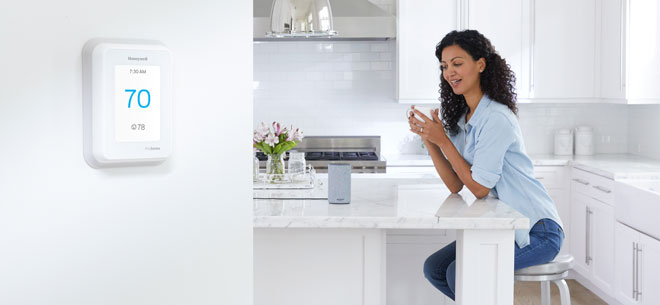
| [Firstname], try something new with your [Devicename] |
|
Want to control your new [Devicename] with your voice?
Using Google Assistant, Amazon Alexa, and other smart home assistants, you can change your home settings, find out what your home's temperature is, or add your home comfort to your routines. |
|
| Connect with Amazon Alexa |
| |
|
|
| 1. |
Open Amazon Alexa App |
| 2. |
Select Add Device |
| 3. |
Select Thermostat and then Honeywell Home |
| 4. |
Follow onscreen prompts to enter your Honeywell Home details to link to Amazon |
| 5. |
All done—try “Alexa, set bedroom temperature to 68 degrees” |
|
|
|
|
|
|
| Connect with Google Assistant |
| |
|
|
| 1. |
Open Google Home app |
| 2. |
Tap add at top of screen |
| 3. |
Tap Set up device |
| 4. |
Tap Have something already set up? |
| 5. |
Search for Honeywell Home |
| 6. |
Log in, and answer setup questions |
|
|
|
|
|
|
|
|
| › |
if your new device is not discovered, unlink and relink the Alexa or Google skill to Honeywell Home. To find out what other products you can link your [devicename] to, visit our smart home partner page. |
|
|
|
|
† Honeywell Home thermostats and apps work in both Fahrenheit and Celsius temperature scales.
[Disclaimer]
This email was sent by www.honeywellhome.com, and was intended for: `eMail`. To avoid important emails being routed to your Junk folder instead of your Inbox, please add our email address to your contacts and trusted mail sources as specified by your email client or ISP.
|
| |
|
|
| |
Unsubscribe | View in browser
1985 Douglas Dr N, Golden Valley, MN 55422
|
|

©`currentYear` Resideo Technologies, Inc. This product is manufactured by Resideo and its affiliates. The Honeywell Home trademark is used under license from Honeywell International, Inc. All rights reserved. |
|
|
|
|