Get the most from your
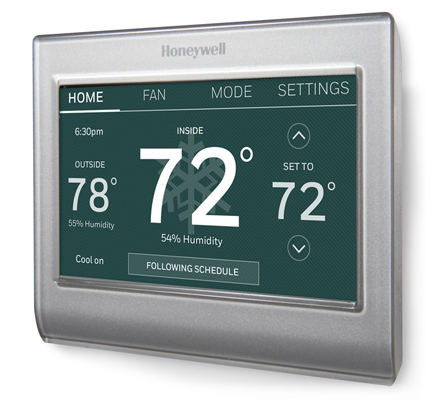
Wi-Fi Smart Color Thermostat |
|
| You're in control! |
| Go beyond the basics and get the most from your setup. |
|
| Link an email to your account and get online alerts when your home's temperature or humidity breaks your comfort range. |
|
| 1. |
| Log into your account at mytotalconnectcomfort.com
|
|
| 2. |
| Under Control Center, add the location you want to monitor
|
|
| 3. |
| Under Notification Contact, enter your email address
|
|
| 4. |
|
| Take quick action with alerts
|
|
| It's easier to avoid discomfort and know when your systems needs maintenance with TBD app alerts. You'll always know if your pipes are likely to freeze, or when your AC is failing and you need to schedule a pro. |
|
Adjust the humidity
for comfort and savings
|
|
| Don't let humidity level in your home cost you peace of mind, money or energy. Talk to a Honeywell Pro about a Honeywell whole home humidity solution for your best comfort all year. |
|
| Humidity Too High |
| High humidity can lead to mold and mildew, and make the air feel warmer than it is.
|
| Humidity Too Low |
| Dryness makes air feel cold, chaps skin and lips, and makes it easier to catch airborne germs
|
|
| Honeywell Home works with you
|
|
|
|
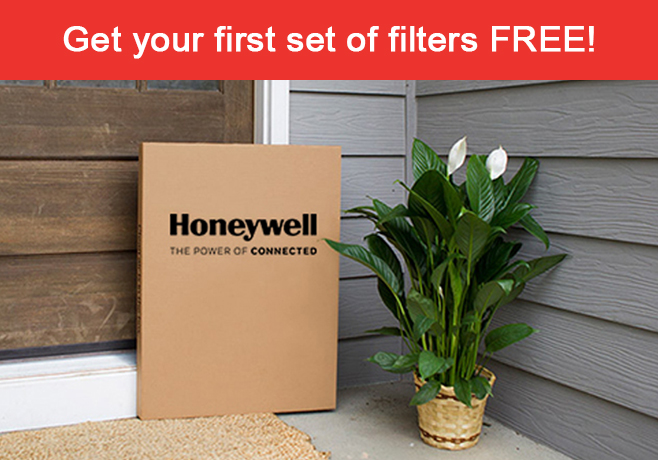
| FilterEasy home delivery
|
| Help save time and energy! Get new air filters automatically delivered right to your door, thanks to Honeywell and FilterEasy.
|
|
|
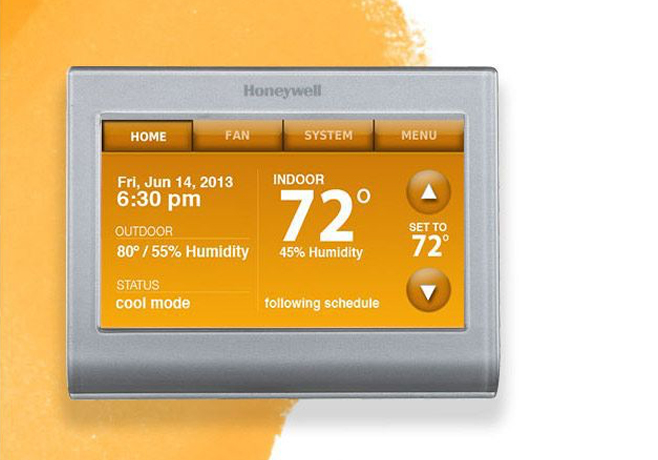
| Pick your best color
|
| Enjoy comfort and style at home! Simply customize your Wi-Fi Smart Color Thermostat's color settings to match your decor.
|
|
|
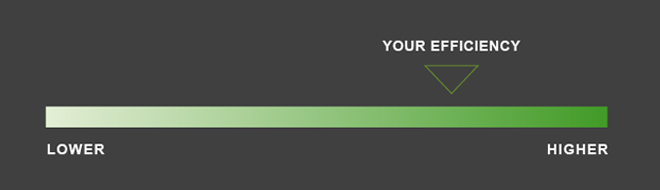
| Honeywell delivers monthly insights on your heating and cooling system efficiency, month to month savings, and energy-saving tips directly to your inbox. |
|
|
|
| ›
|
Skip the AC on warm, stuffy summer evenings—set your system on fan mode to save energy and keep the fresh, cool air flowing. |
|
|
|
|