|
| [Firstname], welcome to the family |
| Thank you for your purchase! |
| We're glad you're part of the Honeywell team. We're here to help with tips to keep you and your connected home in touch, no matter where your day may take you. |
|
| |
| Set your Lyric Security Camera
|
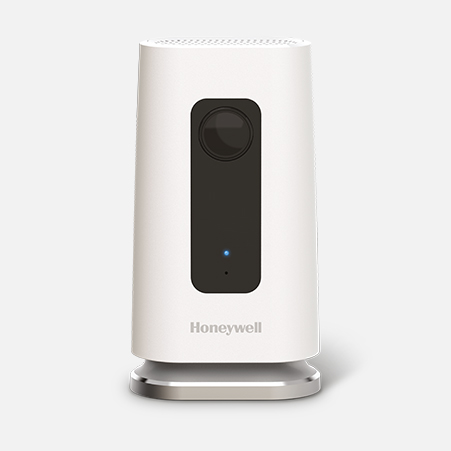
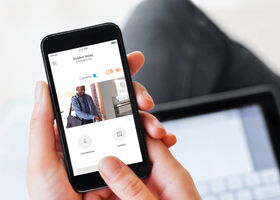
| You can always personalize your Lyric™ C1 Wi-Fi Security Camera settings with your Lyric app. Select your camera on the My Home screen to navigate to your live stream, or use the left upper menu button to choose your camera and adjust the settings. |
|
|
|
|
| |
| Sharing the control |
| Connect others to your camera with the Add Users button under the Manage Users tab in the Lyric App. Once they create an account, they can manage the camera and use geofencing via their mobile device. |
|
|
|
|
|
| |
| Best spots for your camera
|
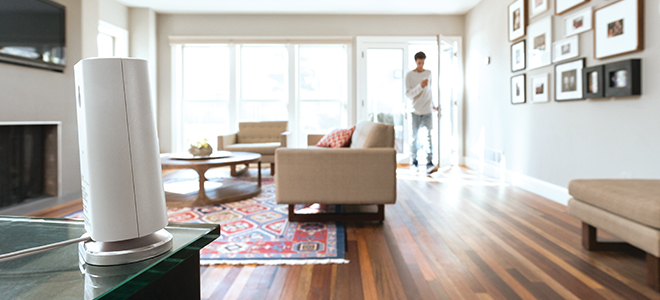
| Your camera's 135° viewing angle works best with a wide range for motion detection, like a corner that doesn't directly face a bright window. |
|
|
|
|
| |
| Detecting when I'm away
|
| Let your camera know to switch on when you're away, or off when you're home. Just set your geofencing radius in the left menu of the Lyric app. Any connected user can switch geofencing on and off at any time. |
|
|
|
|
| |
| Saving clips for later
|
| To save a clip from your camera's 24-hour record, select it and download to your phone and tablet. Don't need sound or motion? You can always turn off either one. |
|
|
|
|
| |
 |
| Tweet us |
Ready to help:
Mon–Sat 8AM–11PM,
Sun 9AM–11PM CST. |
|
|
 |
| Live chat |
Experts are online:
Mon–Fri 8AM–11PM,
Sun 9AM–11PM CST. |
|
 |
| Email us |
We'll get back to you within 48 hours. |
|
|
 |
| Call us |
Experts are ready to help Monday to Sunday. |
|
|
|
|
|
|
|